Remember the early 2000s? If you wanted new software, you had to drive to a store, plop down money on a physical box containing a shiny disk and hope your computer didn’t go explode as you installed it. You would spend hours getting it just right, and then the company would release the “New Version” six months later that you had to buy a whole new box for.
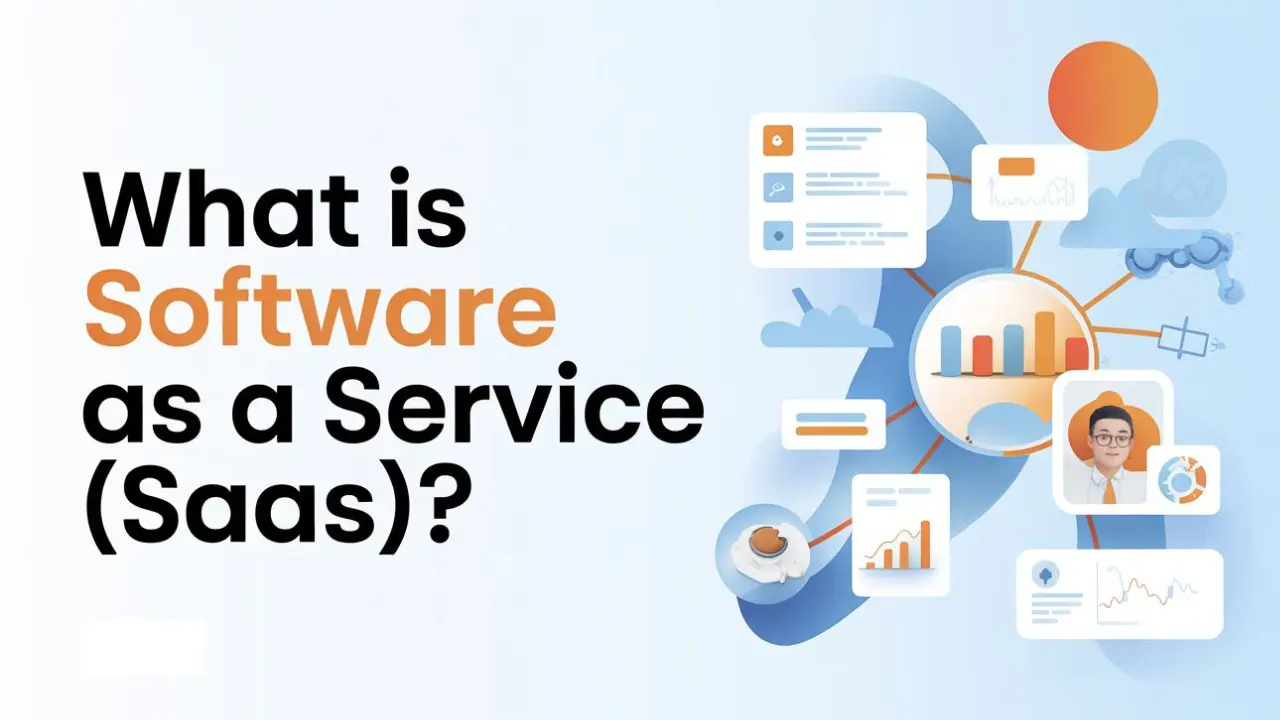
Now comes SaaS, or Software as a Service. It basically replaced the CD-ROM and spared us all a lot of shelf space. But unlike “owning” a dusty piece of plastic, you’re effectively renting the software over the internet. It’s the difference between buying a DVD and having a Netflix subscription. One sits on your shelf, the other is just there whenever you need it.
1.Basic SaaS Information
In simple words, SaaS is a way to let users access an application via the internet. Instead of running and updating software on your actual computer, you simply run it over the internet through your web browser. The “Service” part means that whoever created the app (that would be the provider) handles all the dull tasks security, updates and maintaining server uptime so you don’t have to.
If you have used Gmail, Shopify or Netflix today, you used SaaS. “There was no downloading ‘The Internet’s Email’ onto your hard drive you just logged in and started working.” It’s software, but without the commitment issues.
2.How SaaS Works
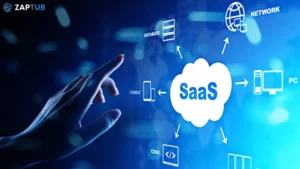
The installation process for traditional software needed a disk and could be quite complicated, resulting in yet another headache. Software as a service is cloud-based; that means that software is on another computer called a server. Most of the time, there is zero installation needed.
Rather, you simply go to their website and sign up with your email address. Boom. You are inside the site. After which, you can use the site through your laptop, phone, or even tablet from the park bench. Your info trails you like a devoted little puppy, because it’s all kept on the server, not on the hard drive.
3.Key SaaS Benefits
That SaaS model really benefits both the people that are building software and writing it, just as much as those who are using the software. For businesses, it generates a constant revenue stream through subscriptions. For people like us, it turns expensive power tools into something that’s actually affordable. And you don’t pay $500 upfront; instead, to use it for as long as you want, you pay a modest monthly fee.
It also provides the flexibility to scale. If your team goes from five to 50, you just push a button to upgrade you subscription plan. You don’t have to go and buy 45 more CDs or hire an “IT Guy” to handle a server room as cold as space.
4.Popular SaaS Examples
Chances are, you are already enclosed by SaaS products, you just haven’t know for sure. Take Dropbox, for example. It is a powerhouse of cloud storage that allows you to share files and collaborate without emailing attachments to each other.
And then there’s Google Workspace (formerly G Suite). It allows several people to work on the same document simultaneously. You can watch your coworker’s cursor as it moves in real time, which is either an immensely productive experience or a little bit creepy, depending on your mood. Other giants, including Shopify for e-commerce, Zoom for meetings and Slack for communication have built massive empires making that software easy to use in a browser.
5.SaaS vs. Desktop
SaaS is all about making your life easy. And whereas old-school software is “on-premises” (it lives on your specific computer), SaaS is hosted by the vendor. This means you pay less for hardware and upkeep. You don’t have to let your computer’s storage fill up with giant programs.
Desktop software is also “clunky”. Because developers only get to update it once a year, so the design is often out-of-date. But SaaS products are evolving constantly. They concentrate on specific niches and maintain their interfaces neat and user-friendly. If the SaaS app is difficult to use, people simply cancel their subscriptions, so these developers have good motivation to keep you happy.
6.Ongoing Software Development
Unlike a one-time desktop application, SaaS really never has a “final” version. It is constantly growing. They can push an update on a Tuesday afternoon when you’re at lunch. You log in again, and boom! there’s a new button or a prettier interface.
This keeps the software secure and updated without you ever having to click “Install update” and sit through a progress bar for 40 minutes. It’s like owning a car that self-installs a new engine overnight. You have the best possible tool, always up to date, and don’t need to do a single bit of work.

7.Mobile User Experience
We are living in mobile world. That kind of sums up what’s wrong with traditional desktop software: it’s, well, stuck on a desktop. You’re not at your desk, you can’t work. SaaS technology makes this history through providing access from any device with an internet connection.
Big SaaS companies invest a huge amount of money in ensuring their apps look equally good on an iPhone as they do on a 27-inch monitor. This “coherent experience” has meant the ability to begin a project at the office and complete it on your phone during your commute. It is the ultimate freedom to those who want to work in their pajamas or from a coffee shop.
8.The Future Path
It is only getting smarter as we move further into 2026 that SaaS. We are entering the age where AI is built right into our tools. Think about it as if your CRM became intelligent and not only held all of your contacts but actually told you who is ready to buy from you today.
The future is about integration. All your apps talking with one another, meaning you don’t have to manually copy-paste data. SaaS has democratized software and armed small startups with the same sophisticated tools once reserved for the enterprise. If you own an enterprise or even better, if you’re a freelancer and basic technology to track your budget and time is expensive it’s never been a better time (and also never been as cheap) to be alive in the cloud.
